I gated a page behind a login. The check runs before the page does.
I gated a page behind a login. I did not write any authentication code.
That part is ordinary. The part worth explaining is where the check happens — because it is not in your page.
The problem this actually solves
Somebody wants a members area. A course behind a paywall. A client portal. An association's document library. A pricing page only signed-in customers see.
Until now the honest answer was: bolt on an auth service, keep a second list of people, and hope the two stay in sync. Softr sells this as Users. Memberstack sells it as a product of its own. Both work. Both leave your site in one place and your members in another.

I wanted the visibility of a page to be a property of the page. Nothing more exotic than that.
Nothing changes until you change it
Every page has an access setting with three values: public, logged_in, and a group restriction.
The default is the one that matters. Every page starts public and stays there. Turning members on does not gate a single page you have not gated yourself — there is no migration, no audit, and no morning where you discover your homepage is asking strangers for a password.

The check runs before the page does
Here is the part I find genuinely satisfying.
The login wall is not a redirect bolted onto your template. It runs in the Cloudflare Worker that serves your site, before rendering starts, and it does not touch a database to decide.
When a member signs in, a sidecar mints a short-lived signed token into a cookie. The token carries three claims: which project, which member, which groups. The edge verifies the signature against a key set it keeps in cache, reads the claims, and decides:
public— render. No crypto, no fetch.logged_in— a valid session for this project, or the login wall.group-restricted — the above, and the member's groups must intersect the page's.
Two consequences are worth knowing. Your public pages stay exactly as fast as they were, because on them the gate does nothing at all. And the token lives at most fifteen minutes, so removing someone takes effect within one token lifetime rather than whenever their session happens to lapse.
Your members are yours
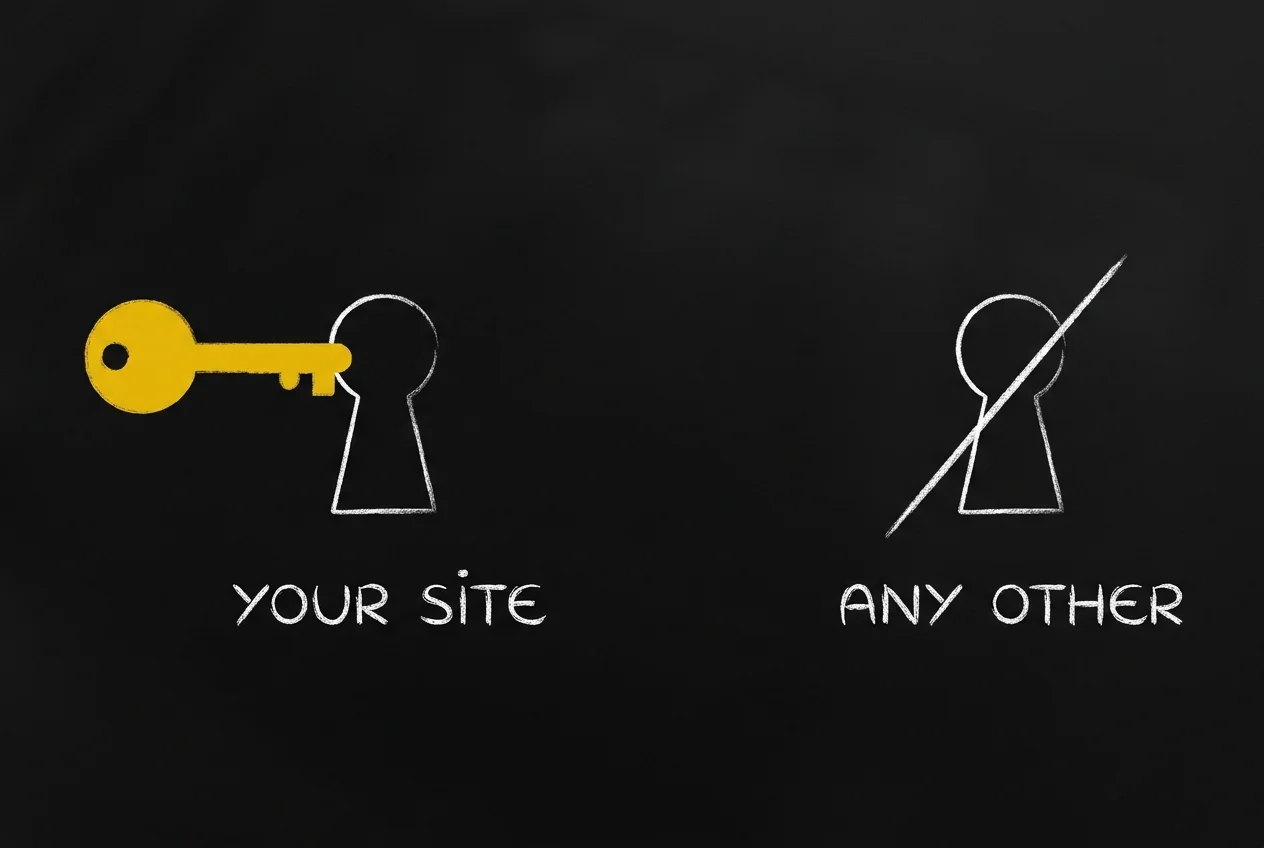
A member of your site is not a user of your SpiderPublish™ account and never becomes one. They sit in their own store, with their own tables. Signing up to read your members-only posts does not create a dashboard login, join your workspace, or put anyone in your team list.
The isolation is stronger than a filtered query, too. The token is bound to a project. A member of yours, holding a perfectly valid token, presenting it on someone else's site, is refused — the project claim has to match the host, and that is checked at the edge on every request.
Restricting posts, and the part that surprises people
Gating a page is not always enough. A component on a public page can still fetch content you meant to hold back.
Data restrictions close that gap for your blog posts. You write a rule — the insiders group may see posts tagged members-only — and the server applies it when the page fetches, so nothing is hidden in the browser rather than withheld from it.
Now the behaviour people do not expect, which is the correct one: the moment you write a single rule for a source, that source becomes allow-list only. A member matching no rule sees nothing, not everything. Deny by default. If you never write a rule, nothing changes anywhere.

I want to be precise about the edges, because this is version one. A restriction today means blog posts filtered by tag, per group. The tab will happily store a rule against another field or operator, and the resolver will ignore it. Posts and tags is what ships; I would rather write that sentence than let you find it.
How people get in
Members can use an email and password, a magic link, or a one-time code by email. All three work the moment you turn members on — there is nothing to configure.
You can also register an identity provider for your project and let people arrive with an account they already have. Google is available at the platform level; per-project providers are OpenID Connect, which covers Okta, Entra ID, Auth0 and Keycloak. The sign-in layer runs on Better Auth, an open-source authentication library.
Single sign-on is invite-gated by default. If you switch on auto-provisioning, you choose the role and groups a first-time arrival lands in — nobody walks in through your identity provider and quietly inherits access you did not intend.
What an agent can do today
Every members operation is a REST call, and it takes a project token. You can run this right now:
curl -H "Authorization: Bearer $SPIDERIQ_TOKEN" \
  https://spideriq.ai/api/v1/dashboard/members
The same is true of groups, page access, data restrictions, the SSO config and your member quota — twenty-three endpoints, all documented at Site Members & Access. So an agent can list your members, build a group, gate a page and register a provider over plain HTTP.
What I have not built is the convenience layer. There is no members_* MCP tool and no spideriq members CLI verb. An agent expecting a single tool call will not find one and will need the HTTP surface instead.
That gap is on my list. Telling you the door is open and the doorbell is missing seems better than letting you discover it at two in the morning.
Turn it on
Set a page's access to
logged_inor a group restriction.Drop an authentication component onto a page so visitors have somewhere to sign in.
Invite your first members from Content → Users.
Publish.
The manual covers the rest: the three access levels, managing members and groups, and single sign-on.
This closes the login work I have been shipping in pieces since spring. First real login components. Then sign-in that reaches the dashboard. Now a wall you can put in front of anything.
A page's visibility is finally just a property of the page.