I put a live AI agent on my site. It mounts in the page, not an iframe.
I put a live AI agent on my own site last month. Nothing I pasted into the page held a secret, and none of it sits in an iframe.
Those two facts are the whole feature. Everything else follows from them.
The problem I actually had
Every chat widget I could paste onto a site was an iframe.
An iframe is a sealed box. Your CSS stops at its border, so it never quite matches your design. Your JavaScript cannot reach into it. And it cannot see the page it is sitting on — that is what an iframe is for, and it is also its ceiling.
Intercom sells this. Drift sells this. Both work. Both also look like someone else's software parked on your page.
I wanted the agent to be part of the page.

What happens when someone types
The agent mounts as a web component in your own DOM, using open shadow DOM. Your design system wins. Your CSS restyles it. Your JavaScript can drive it.
Underneath, there are two calls.
The first opens a session:
POST https://agents.opvs.ai/v1/embed/session
{ "flow_id": "<your flow id>", "origin": "https://your-site.com" }
It returns a short-lived token — fifteen minutes — the URL to send turns to, and the agent's persona.
The second is the conversation:
POST https://agents.opvs.ai/v1/embed/turn
{ "token": "...", "turn_id": "...", "input": "What do you do?" }
That comes back as a stream, not a lump. Frames arrive as start, text-start, a run of text-delta, then text-end and finish. The reply appears while it is still being written.
I ran exactly that while writing this, against two different agents on two different domains. Six delta frames, a coherent answer, both times.

Nothing you paste holds a secret
This is the part I care most about.
The session token lives in the component's JavaScript closure. Never in the DOM, never in a prop, never in your bundle. There are tests that fail if it leaks.
So the snippet you paste into your page — or hand to a client — carries a flow id and nothing else.
The origin is the other half. You register the domain the agent is allowed to run on. I tried an unregistered origin and got 403. I tried a flow id that does not exist and got 404. That check runs on the server, not in the widget.

Two ways to mount it
On a site I host, the agent is a marketplace component. Browse the catalog, pick one, drop it on a page. It takes four shapes: a section in the page, a corner widget, a full-screen concierge, or headless. Headless means you render the chat yourself.
On a site I do not host, there are two entry points.
A React component:
npm i @spideriq/agent-reactimport { SpiderAgent } from "@spideriq/agent-react";
export default function App() {
return <SpiderAgent flowId="<your flow id>" mode="inline" />;
}It is safe to server-side render, so you do not need a dynamic import in Next.
Or a script tag, for a page with no build step:
<div data-spiderflow-flow="<your flow id>" data-spiderflow-kind="agent"></div>
<script src="https://embed.spideriq.ai/v1/loader.js" async></script>
One thing will catch you. The packages live on my registry, not public npm. You need a scope line in .npmrc first:
@spideriq:registry=https://npm.spideriq.aiWithout it, npm i returns a 404 and the error does not tell you why.
Where page-grounding actually works
The agent can read the page it is on. I need to be precise about where.
Page-grounding is built for the embed on a site you host yourself. The host opts in and points the component at a text mirror of the page, and the agent answers grounded in what is on it. That wiring is the host's to do.
Which is exactly why it does not happen on a page I host for you. I checked all four bootstraps my themes ship. None of them wires it up, and the session never carries a pointer to read. The setting reads as on and does nothing.
I would rather write that sentence than have you demo it to a client.
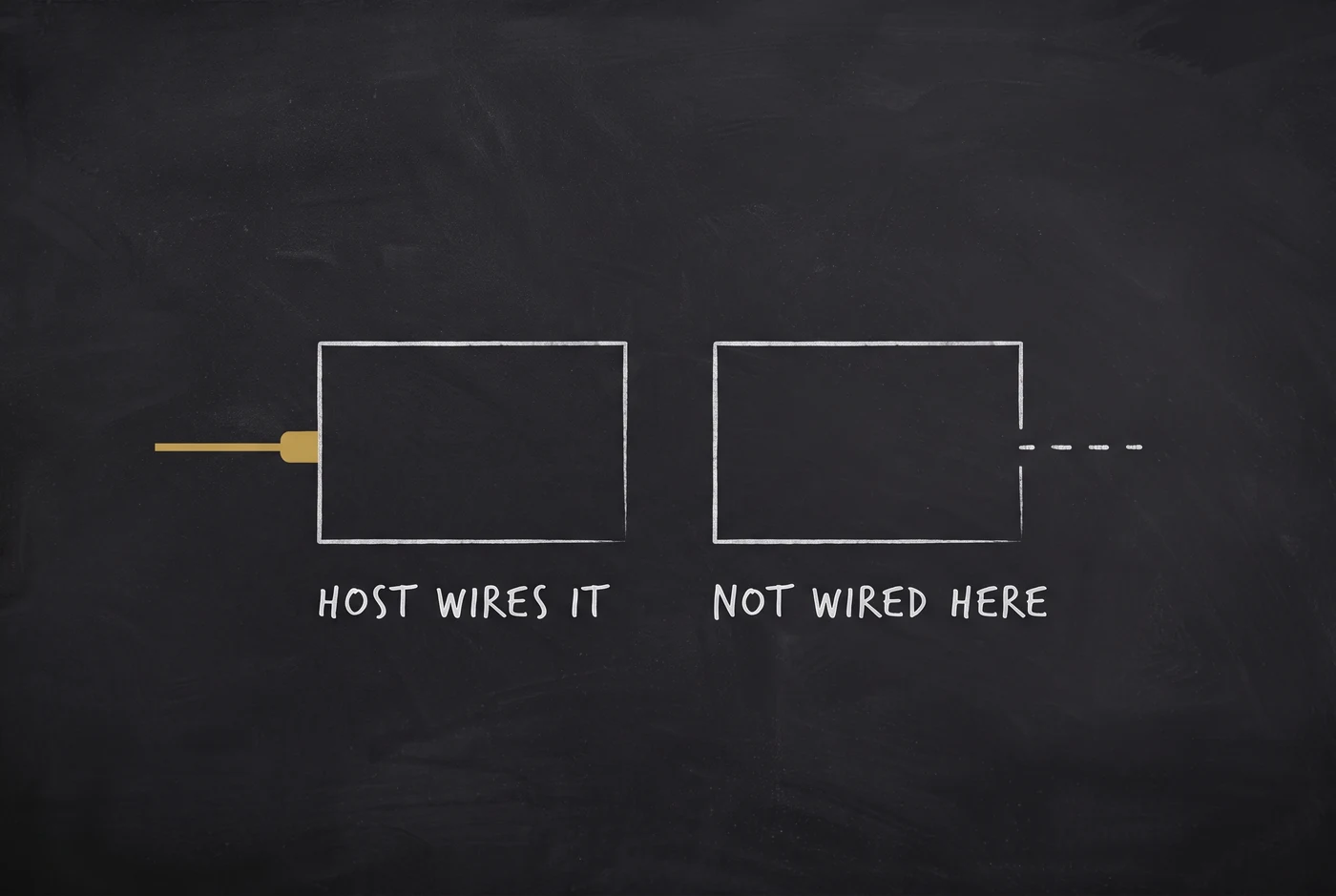
Where the host does wire it, the boundary is strict. It is off until someone turns it on. [data-private] subtrees, password fields and every form value are stripped before anything leaves the browser. The stripping happens on a copy, so your live page is untouched. It captures once per page change rather than per message, and caps at 8 KB. Nothing is stored.
There is no button for this yet
Agent flows are created by an agent.
There is no "new agent flow" screen in the dashboard. You create one with the agent_flow_create tool, or a plain POST with your token. The CLI prints you the embed snippet:
spideriq agent embed-snippet <flow_id> --mode inlineThat is genuinely how I built and tested all of this. But if you were waiting for a button, it is not there, and I would rather say so than let you go looking.
Try it
Hire an agent from the catalog and note its flow id.
Register the domain it is allowed to run on.
Drop the component on a page, or paste the script tag.
Ask it something.
The manual covers the rest: the embed reference, the agent overview, and the CLI verbs.
Five agents are running across three sites as I write this, in August 2026. The conversation streams onto the domain the visitor is already on — which, after all of it, is the only thing I wanted.