I stopped building a landing page per prospect. The URL does it now.
I used to build a landing page for every account I wanted to win. Not a template — a page. New row, new slug, new copy, new publish, new deploy. Twenty prospects meant twenty pages, and by the time I finished the twentieth the first one was already stale.
Dynamic Landing Pages ended that. I author one page. The prospect's identity rides in the URL, and the page assembles itself around them at the moment they open it.
The URL is the input
A page whose template is dynamic_landing picks up two extra routes on your site:
/lp/{page-slug}/{identifier}
/lp/{page-slug}/{salesperson}/{identifier}
That trailing {identifier} is the whole trick. It is not a lookup key you mint and store — it is an id you already hold for that business. Send /lp/wifi-proposal/0x47e66fdad6f1cc73:0x341211b3fccd79e1 and the page opens knowing the company name, the city, the rating, the review count, the verified email, the phone.
There is no second page row. There is no per-prospect record. There is one page, and a URL.
What happens between the click and the paint
Here is the mechanism, plainly.
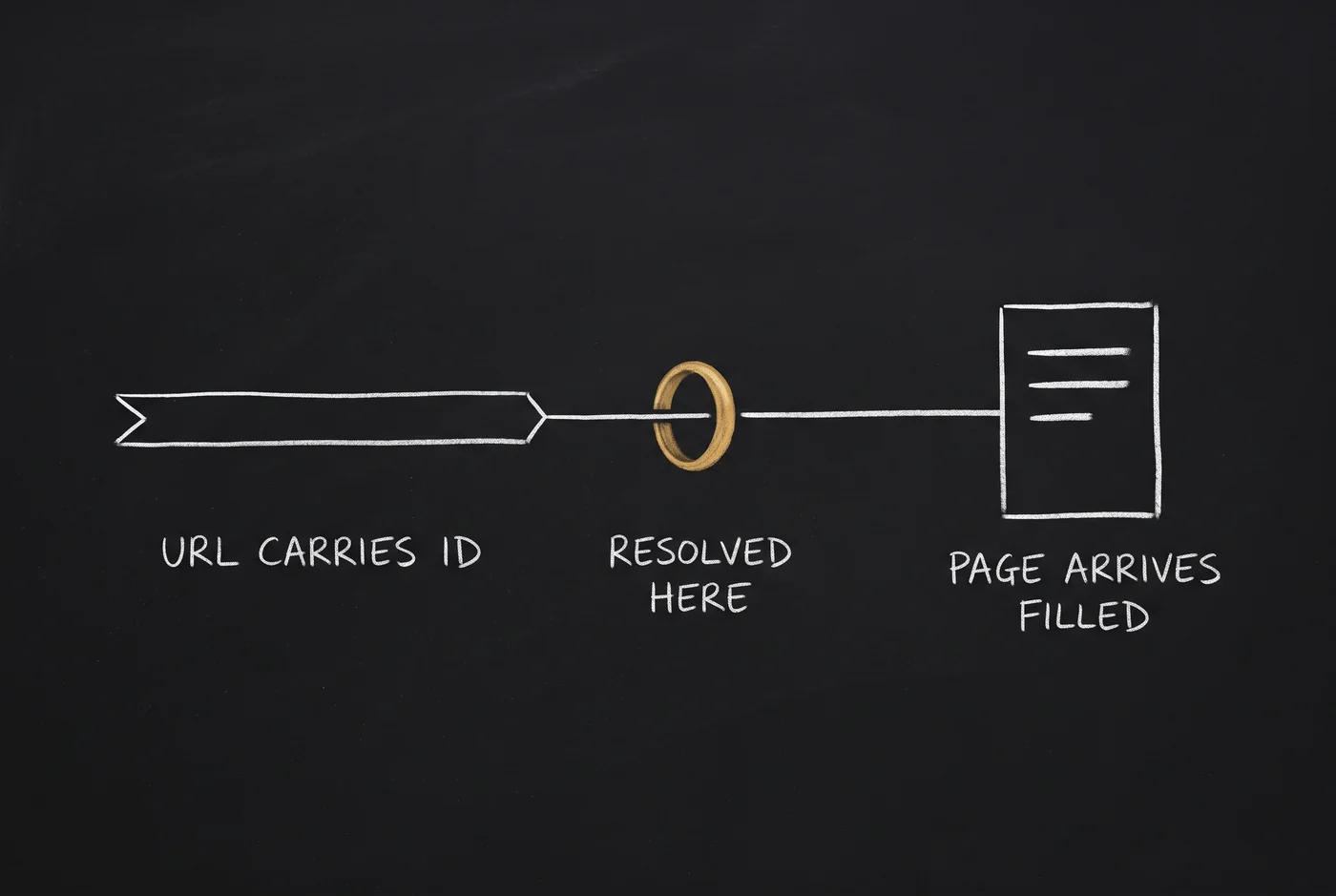
When the request lands, the renderer takes the identifier out of the path and asks the content API to resolve it: GET /content/leads/resolve. That endpoint reaches into IDAP — the normalised business data your jobs have already been filling — and returns one business record. The renderer drops that record into the Liquid context as lead, then renders your page.
So the personalisation happens on the way out, at request time. Nothing is pre-built and nothing is stored per visitor. Change the underlying business record and the next open reflects it.
Inside the template you get the raw record:
{{ lead.name }} in {{ lead.city }} — {{ lead.rating }} stars from {{ lead.reviews_count }} reviews…and a flat set of merge tags spread alongside it, so the vocabulary matches what you already write in a mail tool:
Hi {{ firstname }}, a quick note for {{ company_name }} in {{ city }}.Both shapes are null-safe. {{ company_name }} returns an empty string when there is no lead. It does not throw.
Address a prospect by whatever id you already have
This is the part I did not get right on day one, and fixing it changed how usable the feature is.
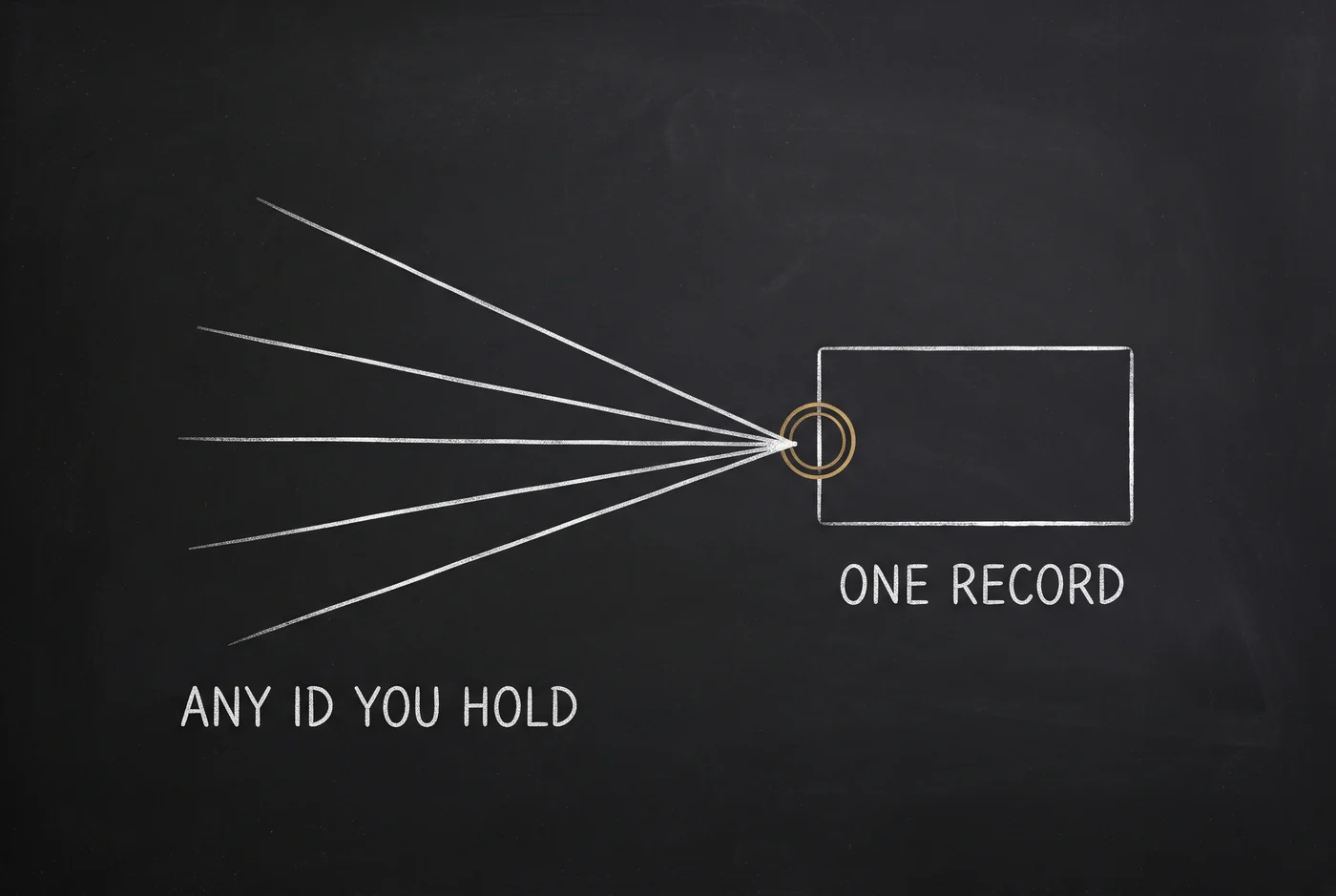
At launch the identifier was a Google Place ID or a domain. That is fine if your list came out of a maps scrape and useless if it came out of a company registry. So the resolver now accepts ten keys, and you pick one per request with ?resolve_key=:
Where your list came from | Keys you can use |
|---|---|
Maps and scraping |
|
VayaPin |
|
Company registry |
|
/lp/wifi-proposal/BB:TAPAS?resolve_key=pin_name
/lp/wifi-proposal/ajay/DE123456789?resolve_key=vat
One caveat worth knowing: email is still accepted as a key for backward compatibility, but a business record has no email column and no join on one, so it always returns 404. Resolve by domain instead.
Same page. Same template. You address the prospect with the id you happen to hold, instead of building a mapping table to a new one.
The link that gets forwarded three times
Every personalised link eventually goes somewhere you did not plan. It gets pasted into a group chat, forwarded to a colleague, opened six months later, or clicked with a mangled id.
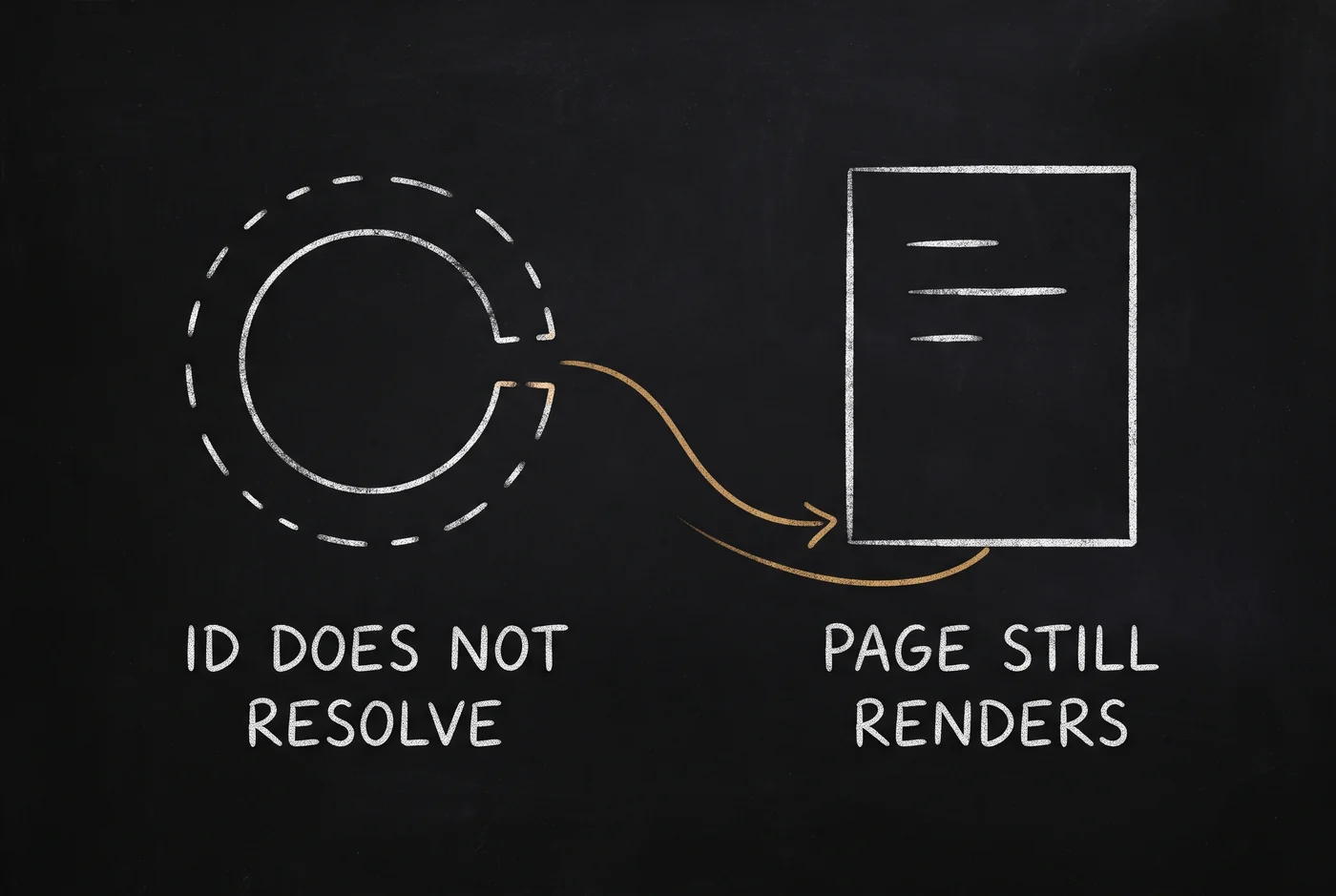
When the identifier does not resolve, lead is null — and that is a designed state, not a failure. The renderer runs with strict variables off, so {{ lead.name }} renders as empty rather than throwing, and the shipped default template falls back through page.custom_fields.demo_business to a plain "Your Business". The visitor gets your authored blocks, your hero and your call to action. Only the sections that genuinely need real data stay behind an {% if lead %} guard — the rating bar, the contact counts, the "created specifically for you" line.
So a forwarded link is still a working page. If you write your own dynamic_landing template, keep that shape: guard the blocks that need a real lead, and leave everything else outside the guard.
The salesperson segment
The second URL form binds a rep to the page:
/lp/wifi-proposal/ajay/{identifier}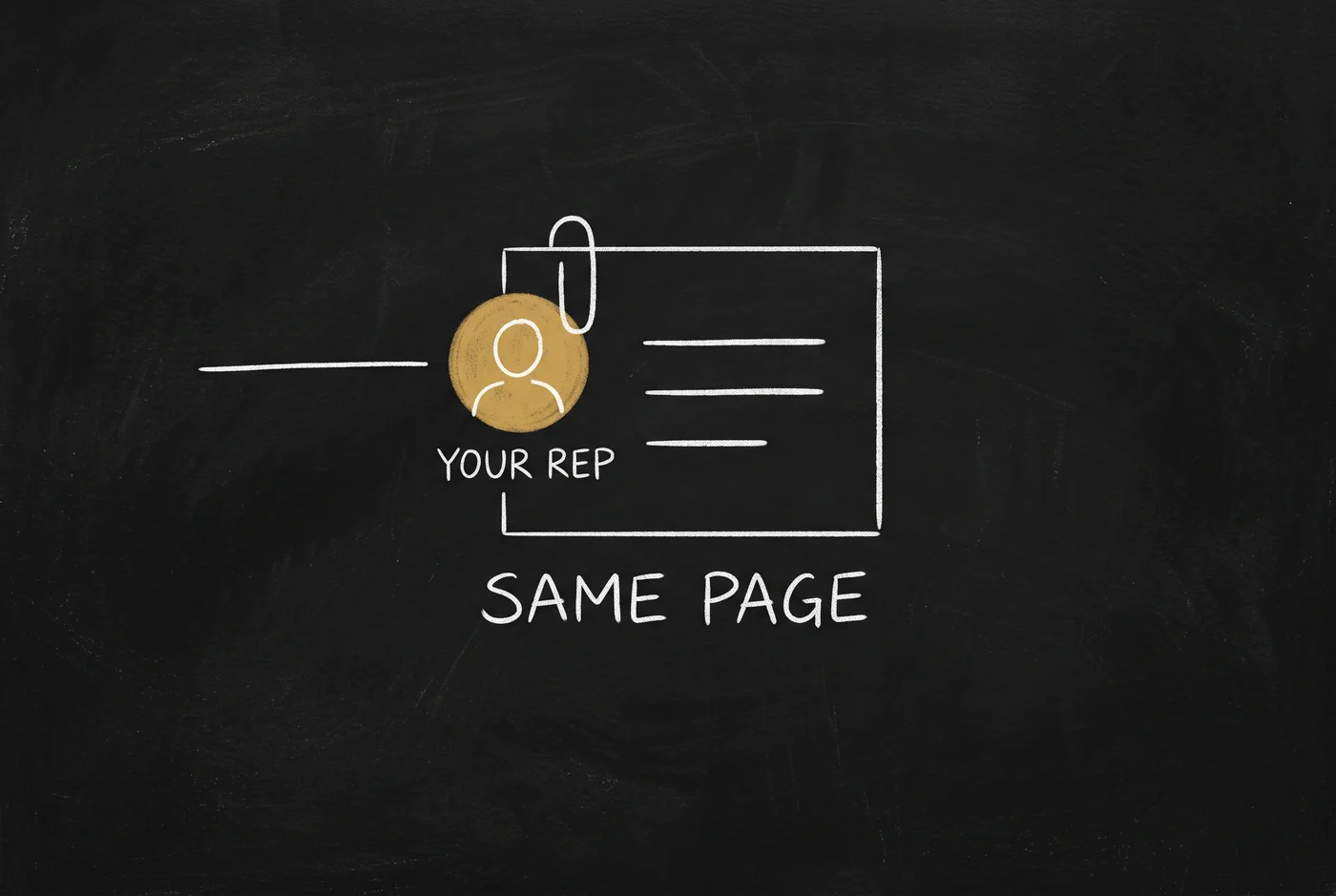
ajay is matched against the salespeople you configure on the site, and the page gains a salesperson object — name, title, location, bio, photo, calendar link. One page, personalised to the prospect and branded to whoever runs the account, with their booking link on the button.
Setting one up
Create a page and set its template to
dynamic_landing. Put{business}and{city}placeholders in the headline and copy fields.Add your salespeople to the site's template config, if you want the rep form of the URL.
Publish the page.
Deploy the site.
Send
https://yoursite.com/lp/{page-slug}/{salesperson}/{identifier}.
The field reference and the setup walkthrough are in the manual — Dynamic Landing Pages for the how-to, and the content API reference for GET /content/leads/resolve.
One thing that will trip you up
{business} is substituted by the template body — the headline, the subheadline, the call to action. It is not substituted in the page's title or its social preview.
So if you put a placeholder in the page title field, the literal {business} shows up in the browser tab and on the link preview when someone shares it. I know, because it is doing exactly that on one of my own pages while I write this. Keep placeholders in the copy fields, and write the page title as something that reads well without a name in it.
That is the whole feature: one page row, an id you already have, and a record fetched on the way out.