I kept writing in SpiderPublish and built the site in my own code
I write my blog, my docs and my changelog in SpiderPublish. As of today, the site that shows them can be any frontend I build myself.
Same content, same agents publishing it. Only the design layer moved into my own code.
The problem I actually had
My other company, OPVS, runs its website as a Next.js app on its own Cloudflare Worker. I wanted its blog and docs to live in SpiderPublish, where my agents already write and publish everything else.
Until now that meant a choice. Use the SpiderPublish site renderer and its templates, or rebuild a CMS inside the app. The content and the page were welded together.

Reading the content was already possible. Rendering it was not.
The public content API already answered from any server. Send X-Content-Domain with your site's domain and you get your published posts, docs, press releases, changelog, pages and collections back as JSON.
The catch was the article body. It comes back as the editor's stored document, a nested tree of nodes. Every frontend would have had to write its own converter before showing a single paragraph.
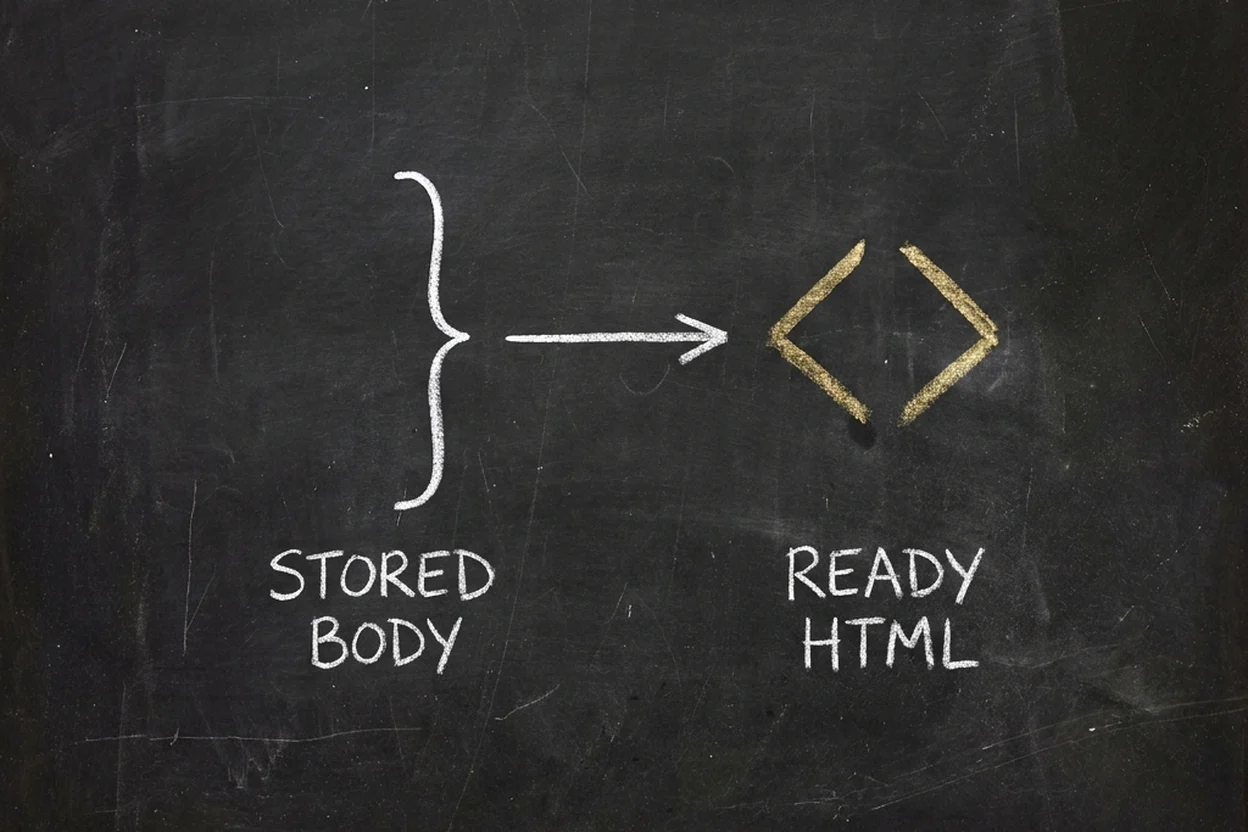
So the single-item reads now also return body_html: the same body, already rendered to HTML by SpiderPublish. Text is escaped and link addresses are checked, so it goes straight into the page.
A typed SDK, so the plumbing is one line per read
@spideriq/publish-sdk wraps every public read. It uses only fetch, so it runs inside a Cloudflare Worker. Point the @spideriq scope at the SpiderIQ registry once, in .npmrc:
@spideriq:registry=https://npm.spideriq.ainpm install @spideriq/publish-sdk@0.1.0Then a blog page is this:
// app/blog/[slug]/page.tsx
import { notFound } from "next/navigation";
import { createSpiderPublish } from "@spideriq/publish-sdk";
import { PostBody } from "@spideriq/publish-sdk/react";

const cms = createSpiderPublish({ site: "yoursite.com" });

export default async function BlogPost({ params }: { params: Promise<{ slug: string }> }) {
  const { slug } = await params;
  const post = await cms.posts.get(slug);
  if (!post) notFound();
  return <PostBody html={post.body_html} className="prose" />;
}
A post that does not exist comes back as null, so a missing page is a 404 and not a crash. A wrong site name throws SITE_NOT_FOUND, so a typo never looks like an empty blog.
I ran it against a live site from a clean project: the post body came back as 8,068 characters of HTML, a missing slug returned null, and a wrong site name raised the error.
Your own components inside an article
Authors can drop a SpiderPublish component, say a pricing table, into the middle of a post. A foreign frontend cannot run that component, so in body_html it arrives as an empty placeholder carrying its name and settings.
<PostBody components={{ "pricing-table": Pricing }} /> swaps each placeholder for your own React component. Anything you do not map renders nothing.

Browser reads from your own domain, and only reads
Most of this runs on the server. Some of it runs in the browser: a docs search box, a "load more" button.
Once a domain is verified on your SpiderPublish site, browser code on that domain may read your published content, booking pages and funnels. The response sends no cookies, and only GET and HEAD are allowed.
Writes are not open to the browser. Ask-the-docs, booking submits, funnel events and newsletter signups go through a route on your own server. The reason is simple: a verified domain says the domain is real, not which site it belongs to, and I will not let one site's pages spend another site's quota.

Cache it on your side
The SDK is MIT licensed. Its nextCache() hook stores each read in the Next.js data cache under a tag for each post and one for the whole site, so you can evict a single post when it changes.
Try it
The setup guide walks through the header, body_html, the SDK, caching and the browser rules: Use Your Own Frontend. The release notes are in the changelog.
Paste this to your coding agent:
Install @spideriq/publish-sdk@0.1.0 from npm.spideriq.ai (add
"@spideriq:registry=https://npm.spideriq.ai" to .npmrc). Create lib/cms.ts with
createSpiderPublish({ site: "<my domain>" }) and render my SpiderPublish blog at
/blog and /blog/[slug] with <PostBody html={post.body_html} />.