I stopped maintaining my navigation menu. My folders do it now.
Every CMS makes you keep two trees.
One of them is real: your pages, in folders, in the order you arranged them. The other is the menu — a hand-typed list of labels and URLs whose only job is to describe the first one.
The second tree is a copy. Copies drift.
Someone adds a page and forgets the menu. Someone renames a section and the menu keeps the old wording. Nothing throws an error. That is exactly why it survives for months.
I got tired of it, so I deleted the chore.
A navigation item in SpiderPublish can now be bound to a folder instead of typed out. You pick the folder once. After that the menu is generated from your live page tree, every time a visitor loads a page.
You do not switch a menu into folder mode
Each item is independently one of three kinds, and they mix freely in the same menu:
Link — you type the label and the URL. This is the original behaviour and it is still the default. Your existing menus did not change.
Folder — the item points at a page folder and shows that folder's pages.
Whole site — the same idea, applied to your whole page tree.
So Pricing, Contact and Login stay hand-typed, sitting right next to a Docs item that keeps itself current. You do not have to choose between a menu you control and a menu that keeps up.
Folder and Whole site items take a depth of 1 to 3. That sets how many levels the menu expands.
The safety property is the better half
The convenience is obvious. The safety is not, and it is the part worth reading twice.
A bound menu lists published pages only. That is not a filter applied in the template. The query that walks your page tree cannot return a draft page in the first place — the exclusion lives in the SQL.
That closes a failure mode most content teams have hit. A page gets unpublished, and a stale hand-typed link keeps pointing at it. With a bound item there is no link to go stale.
Order comes from the same place. Items appear in the order you dragged them into in Content → Pages. The menu order and the folder order are one order. There is no second sort to keep in step.
Folders get a landing page, and it heals
Once a folder can appear in a menu, it needs somewhere to point. A folder is not a page. It has no URL of its own.
So a folder resolves a landing page, two ways:
First page by position — the default. The folder points at whichever published page currently sits first inside it. Drag a different page to the top and the folder follows. This needs no setup at all.
Choose a page — pin a specific page, for when a written overview should be the entry point even though it is not first in the list.
Pinning is where most systems hand you a foot-gun. Delete the pinned page and you would expect a broken link.
Instead it falls back. Delete or unpublish the pinned page and the folder returns to first-by-position. There is nothing to fix.
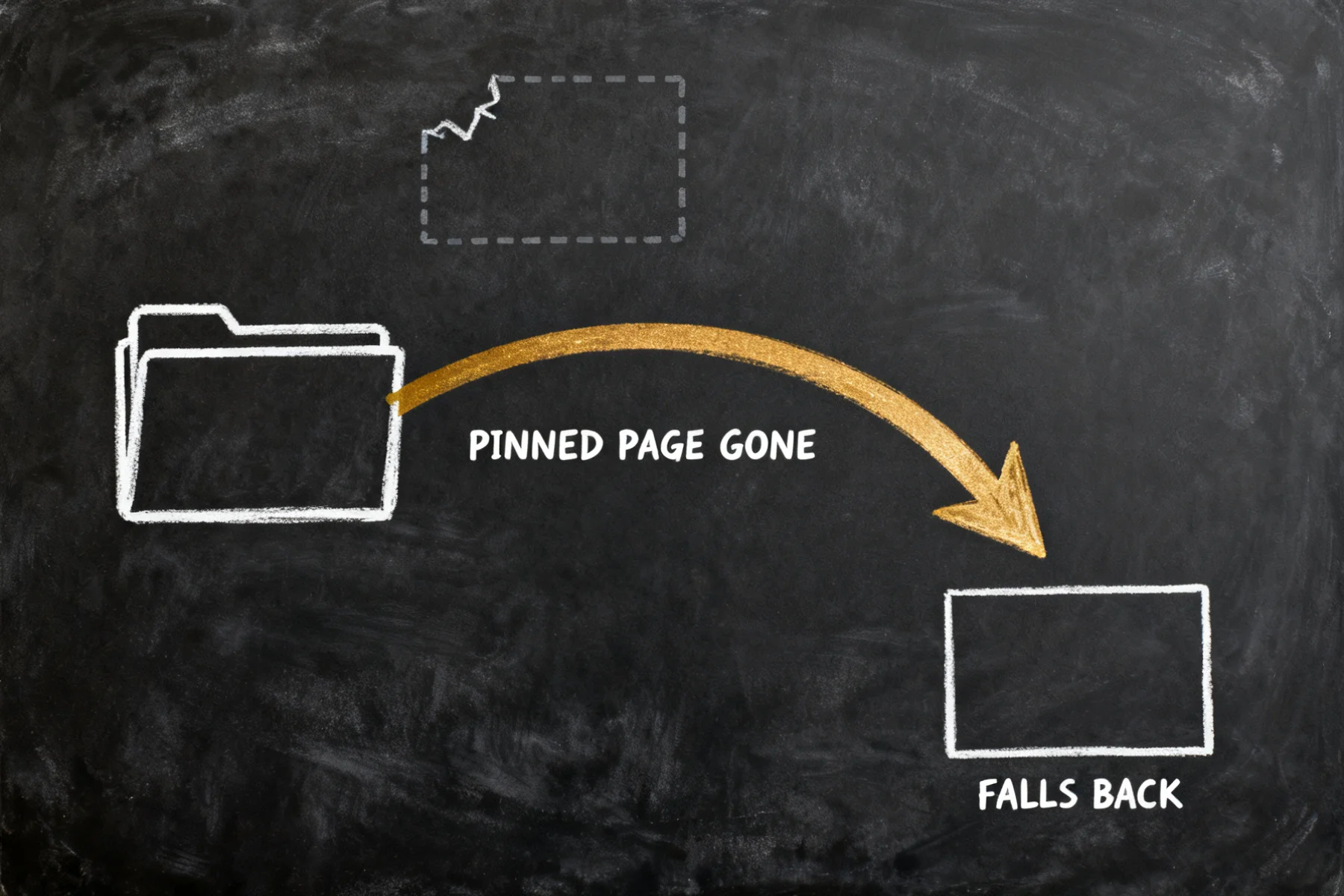
The mechanism is worth one sentence, because it is the reason it heals. The rule is re-evaluated when the menu is read, rather than stored as a fixed pointer. A pinned page has to still be a published child of that folder at read time — and that re-check is what makes the fallback automatic rather than something you go and repair.
A folder with no published pages inside has no destination at all, so it renders as plain text rather than as a link that goes nowhere.
A folder knows what is inside it
When a page is its folder's landing page, it receives the folder's contents. In a Liquid template or a component, folder.children gives you the published pages in order — title, URL, description, image:
{% if folder %}
  <h2>{{ folder.title }}</h2>
  {% for child in folder.children %}
    <a href="{{ child.url }}">
      <h3>{{ child.title }}</h3>
      <p>{{ child.seo_description }}</p>
    </a>
  {% endfor %}
{% endif %}
A section overview that lists its own pages. A resource library that shows new entries as they publish. A handbook index. None of that is copy-paste maintenance any more.
If you drive this with an agent, read the rule and not its output
There is one thing to get right here, and it is the thing most likely to bite you.
The public read of a menu returns the expansion — the real pages a visitor sees. The dashboard read returns the binding itself: source set, children empty. That is correct, not a bug.
The temptation is to be helpful. Read the expanded menu, notice the dashboard version looks empty, and write the pages back in. Do not. That swaps the rule for a snapshot of today's page tree, and the menu stops tracking your pages — the exact problem this feature exists to remove.
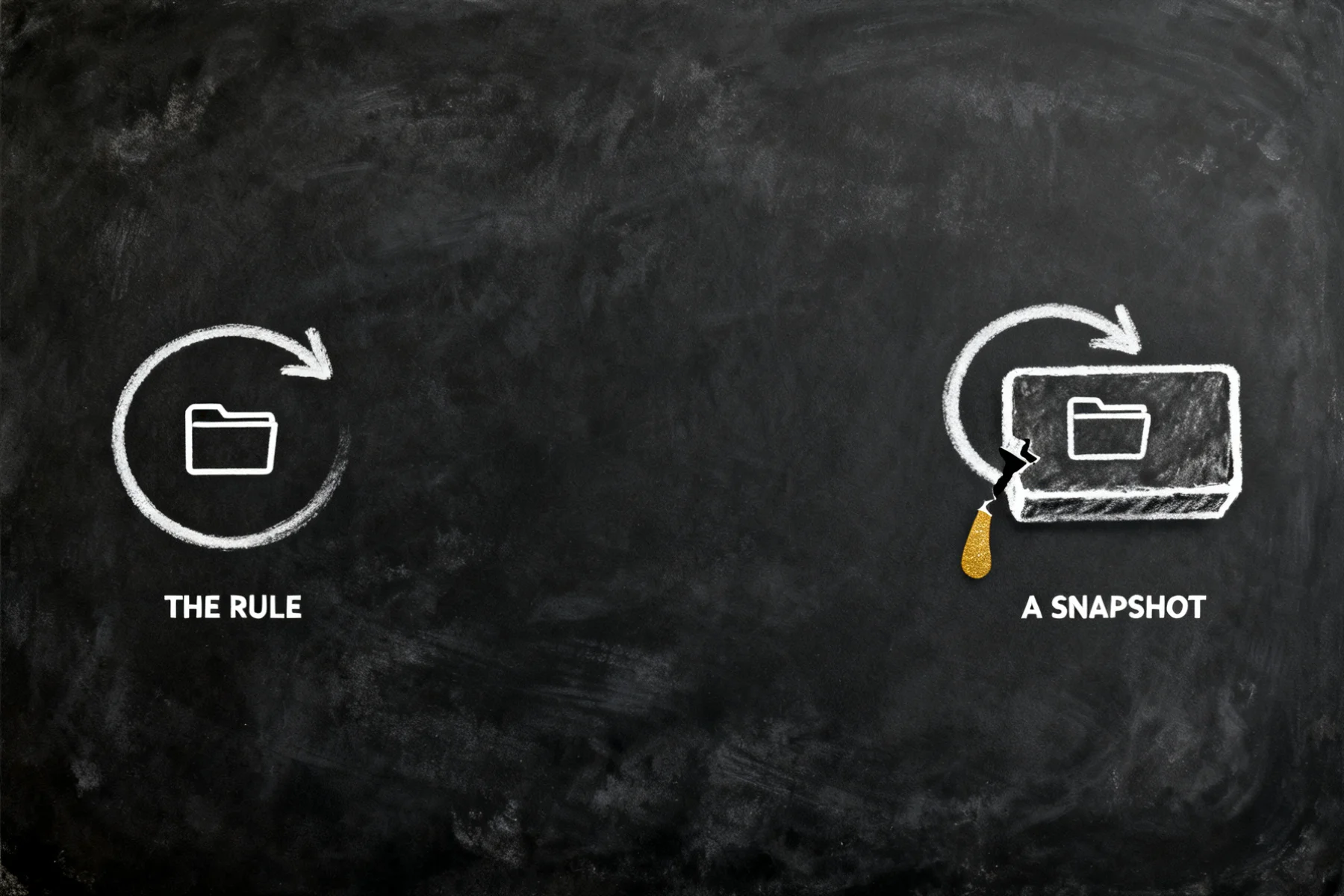
Edit the source. Leave the expansion alone.
The rest of the agent surface is there: create a folder with is_folder, move pages with parent_id, pin a landing page with index_page_id, and bind a menu item with source. On the CLI, the output of spideriq content navigation get pipes straight back into spideriq content navigation set.
Where it is
Content → Navigation — each item now has a source picker. Choose Folder, pick the folder, set the depth. The Live Preview pane shows the menu the way visitors will see it, fully expanded, while the item you are editing keeps showing the binding. That split is deliberate: you are editing the rule, not a snapshot of today's pages.
Content → Pages — open a folder's settings for the Landing page control.
The manual covers both, in Navigation and Pages and folders.
What I am not claiming
Folders do not appear in your URLs. A page inside a Handbook folder still lives at /onboarding, not /handbook/onboarding. Nested paths are designed and deliberately left out of this release: moving a URL means minting redirects for every page underneath it, and that earns a release of its own rather than riding along with a menu change.