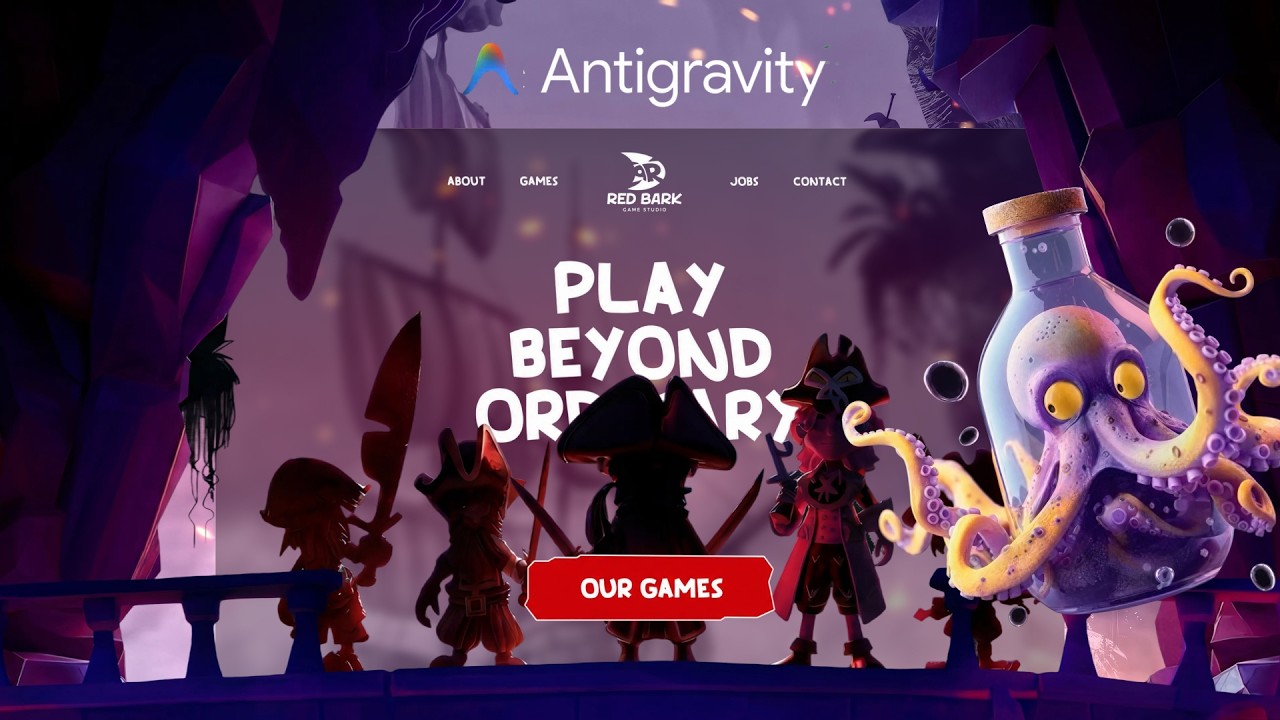
AntiGravity X GPT Image — Build Animated AI Website
Overview
Viktor combines two powerful tools — AntiGravity (Google's AI IDE) and GPT Image 2 — to build a website where every visual element is AI-generated. The result is a unique, fully animated site that would be impossible to create manually in the same timeframe.
What You'll Learn
Setting up AntiGravity for web development
Using GPT Image 2 for custom website graphics
Combining AI-generated images with coded layouts
Adding CSS animations to AI-generated visuals
Step-by-Step Breakdown
1. AntiGravity Setup
Viktor shows how to install and configure AntiGravity, create a web project, and use the integrated AI assistant to scaffold the initial page structure.
2. Generating Custom Images
Using GPT Image 2, Viktor creates hero backgrounds, feature icons, and decorative elements. Each image is generated with transparent backgrounds and specific dimensions for web use.
3. Layout Integration
AntiGravity's AI assistant helps position the generated images within the CSS Grid layout, handling responsive sizing and art direction for different viewports.
4. Animation Layer
The final pass adds scroll-triggered animations to the AI-generated images: parallax scrolling, fade-reveals, and subtle rotation effects that bring the static visuals to life.
Tools Used
AntiGravity IDE
GPT Image 2 (via ChatGPT)
CSS animations
IntersectionObserver API
Key Takeaways
AntiGravity + GPT Image is the best combo for unique visual websites
AI-generated images work best when you specify exact dimensions and style
Transparent PNGs from GPT Image layer beautifully over gradient backgrounds
Simple CSS animations are more effective than complex JavaScript libraries